WooCommerce Product Reviews: How to Get More Reviews & Sales
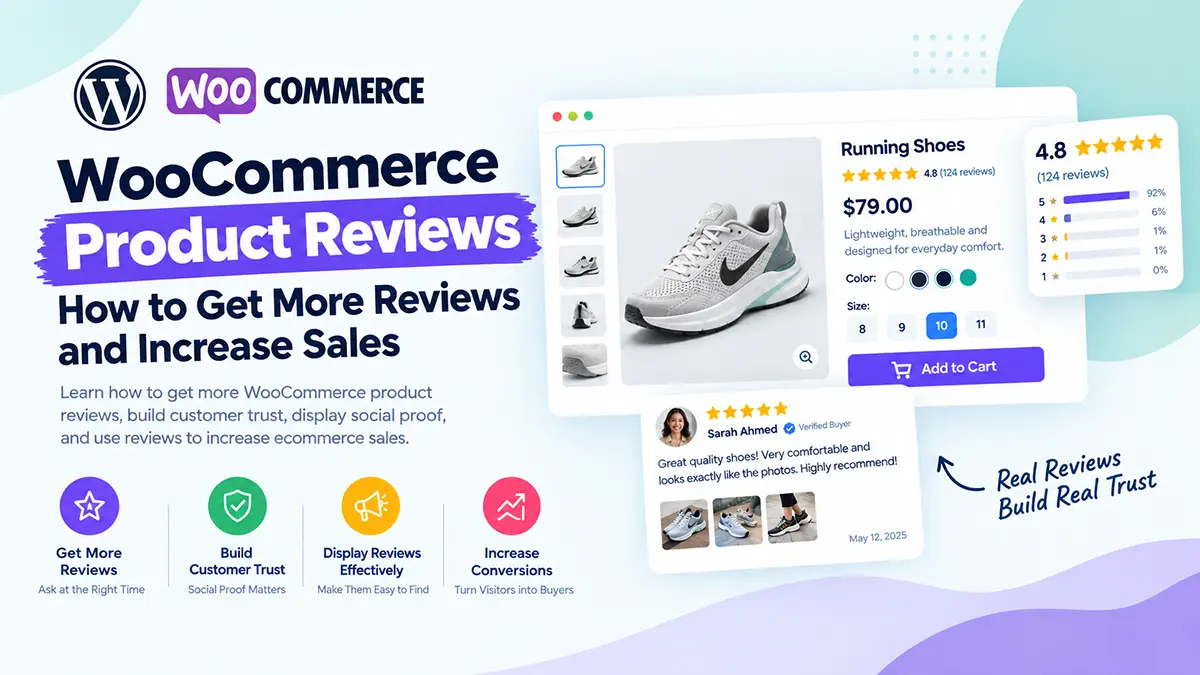
When customers visit an online store, they want to know one important thing: Can I trust this product?
Product images, descriptions, pricing, and features all help customers make a decision. But one of the most powerful forms of social proof comes from other customers. That’s where WooCommerce product reviews come in. Reviews can help shoppers understand what a product is really like, answer questions, reduce uncertainty, and feel more confident about purchasing.
In this guide, we’ll explain why WooCommerce product reviews matter and how you can get more reviews and use them effectively to increase sales.
Why Are WooCommerce Product Reviews Important?
Online shoppers can’t physically touch or test most products before purchasing. They often look for evidence from people who have already bought the product. A useful review can answer questions such as:
- Is the product good quality?
- Does it look like the photos?
- Is the size accurate?
- Is it easy to use?
- How long did delivery take?
- Would the customer buy it again?
This makes customer reviews an important part of the buying journey. Reviews can also provide social proof, showing new visitors that other customers have purchased and had an experience with the product.
1. Make Reviews Easy to Find
Don’t hide your reviews at the bottom of a complicated product page.
Customers should be able to quickly discover that reviews are available.
You can display review information near important product information, such as:
Product Name
★★★★★ 4.8/5 — 127 reviews
$49.00
This immediately communicates that other customers have purchased and reviewed the product. You can also provide a clear link that takes shoppers directly to the review section.
2. Ask Customers for Reviews
One of the simplest ways to get more WooCommerce product reviews is to actually ask for them.
Many satisfied customers won’t leave a review unless they’re reminded.
After an order has been delivered, send a friendly follow-up asking the customer to share their experience.
For example:
How was your order?
We hope you’re enjoying your new product.
Could you take a minute to leave us a review?
Keep the request short and make the review process easy.
3. Ask at the Right Time
Timing matters. Asking for a review immediately after an order is placed usually isn’t useful because the customer hasn’t had an opportunity to use the product. Instead, consider asking after the customer has had enough time to receive and experience the product. The ideal timing depends on what you’re selling. For example:
- Fast-consumption products → ask relatively soon
- Clothing → after delivery and initial use
- Electronics → after enough time to test the product
- Software → after the customer has used the product
- Long-term products → after a longer period
The goal is to ask when the customer can provide a meaningful opinion.
4. Make the Review Process Simple
Every additional step creates friction. If customers need to:
- Find their order
- Log into an account
- Navigate through several pages
- Find the product
- Find the review form
Some customers will simply give up. Make the process as straightforward as possible. A clear “Write a Review” button can make a big difference.
5. Encourage Detailed Reviews
A review saying: “Good product.”
is better than no review, but it doesn’t provide much information. More detailed reviews can be much more useful. You can encourage customers to talk about:
- Product quality
- Size or fit
- Ease of use
- Features
- Packaging
- Delivery
- Their overall experience
Instead of simply asking: “Please leave a review.”
try: “What did you like about the product?”
Specific questions can help customers write more useful reviews.
6. Allow Customers to Upload Images
Text reviews are valuable, but customer photos can provide another level of social proof.
A customer-uploaded photo can show potential buyers what the product looks like in a real-world environment.
For appropriate products, consider supporting:
📸 Customer photos
⭐ Star ratings
📝 Written reviews
👍 Helpful review feedback
User-generated images can make product pages feel more authentic.
7. Display the Average Rating Clearly
If your products have a strong average rating, don’t make customers search for it. Show the rating prominently. For example:
★★★★★ 4.9/5
Based on 248 customer reviews
This gives shoppers a quick understanding of how previous customers rated the product. However, never manipulate or fabricate ratings. Authentic reviews are essential for maintaining customer trust.
8. Show the Number of Reviews
A rating without context isn’t always enough. Compare:
★★★★★ 5.0
with:
★★★★★ 4.8 — 1,250 reviews
The second example gives customers more context. The number of reviews can help shoppers understand how much customer feedback exists for the product.
9. Don’t Hide Negative Reviews
It might seem tempting to display only five-star reviews. But a product page containing only perfect reviews can sometimes feel less authentic.
A few negative or mixed reviews can actually provide useful information. Instead of hiding criticism, use it as an opportunity to demonstrate good customer service. Respond professionally and explain how you handle the issue. This can help build trust with future customers.
10. Respond to Customer Reviews
Reviews shouldn’t be a one-way conversation. When appropriate, respond to customer feedback.
For example:
Customer: “The product arrived quickly and works great.”
Store: “Thank you for your feedback! We’re glad you’re enjoying the product.”
For negative feedback: “We’re sorry you experienced this issue. Please contact our support team so we can help resolve it.”
This demonstrates that your business is paying attention to customers.
11. Use Reviews to Improve Product Descriptions
Customer reviews aren’t only useful for social proof. They’re also a source of valuable customer language. Customers may mention benefits or use cases that you didn’t include in your product description. For example, several customers might mention:
“I bought this because it fits perfectly in my small apartment.”
That could reveal a valuable selling point. You can use genuine customer insights to improve your product descriptions and answer common questions. For more guidance, see:
👉 How to Write a WooCommerce Product Description That Converts
12. Combine Reviews With Strong Product Images
Reviews work particularly well when they’re supported by good product presentation. Your product page should make it easy for customers to:
- See the product
- Understand its benefits
- Check the price
- Select variations
- Read reviews
- Understand shipping
- Add the product to their cart
Product images and reviews work together.
Images show customers what the product looks like. Reviews help show customers what other buyers experienced.
Read more:
👉 WooCommerce Product Images: Best Practices for SEO & Conversions
13. Put Reviews Near the Buying Decision
The review section shouldn’t feel disconnected from the rest of the product page. Think about the customer’s journey:
Product → Benefits → Price → Reviews → Trust → Add to Cart
The exact layout can vary depending on the product, but reviews should be easy to access when the customer is evaluating whether to buy.
14. Optimize Reviews for Mobile
Don’t forget mobile shoppers. Your review section should work well on smaller screens. Check that:
- Star ratings are easy to see
- Review text is readable
- Buttons are easy to tap
- Customer images don’t overflow the screen
- Review navigation is simple
- Long reviews don’t create awkward layouts
A review system that works beautifully on desktop can still provide a poor experience on mobile if it isn’t properly optimized.
15. Use Reviews as Social Proof Throughout Your Store
Reviews don’t have to exist only on the single product page. You can potentially use customer feedback in other areas of your store, such as:
- Homepage
- Product category pages
- Landing pages
- Promotional sections
- Marketing campaigns
- Email campaigns
For example:
“Absolutely love this product. Great quality and fast delivery.”
— Verified Customer
Short, authentic testimonials can reinforce trust throughout the buying journey.
How to Get More WooCommerce Product Reviews
If you want to increase the number of reviews your store receives, focus on these fundamentals:
1. Deliver a good customer experience
Satisfied customers are more likely to leave positive feedback.
2. Ask for reviews
Don’t assume customers will remember to review your products.
3. Ask at the right time
Give customers enough time to experience the product.
4. Make reviewing easy
Reduce unnecessary steps.
5. Ask useful questions
Help customers understand what kind of feedback you’re looking for.
6. Respond to reviews
Show customers that their feedback matters.
7. Make reviews visible
Don’t bury valuable social proof where shoppers can’t find it.
How Noorifa Helps Create Conversion-Focused WooCommerce Product Pages
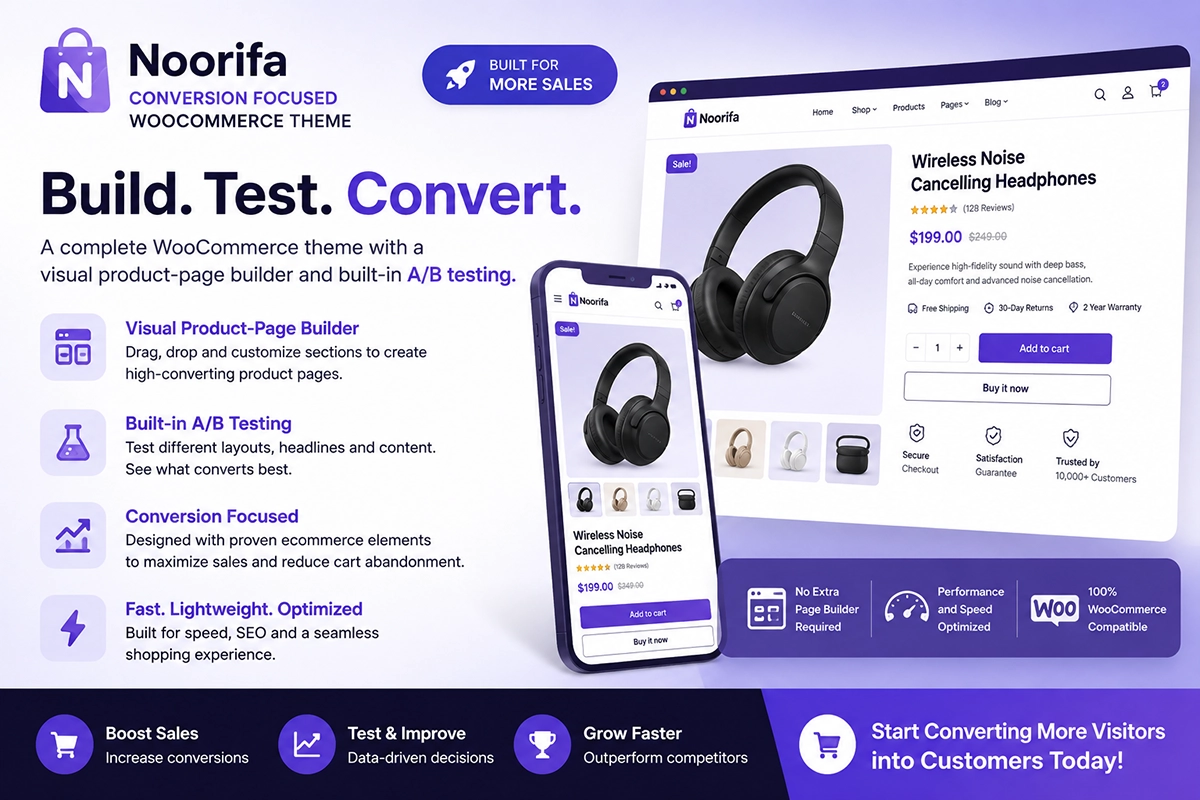
Your WooCommerce product page needs more than just a review system. It needs to present the right information at the right time.
Noorifa is a conversion-focused WooCommerce theme designed to help store owners create flexible product-page experiences without relying on a one-size-fits-all layout.
You can create reusable product layouts and organize important sections such as:
- Product information
- Custom product page design
- Images
- Pricing
- Product benefits
- Reviews
- Trust information
- FAQs
- Add to Cart
- Sticky Add to Cart
- Related products
This gives you more control over how customers experience your products and evaluate them before purchasing.
👉 Explore Noorifa for WooCommerce: https://noor-e-alam.com/product/noorifa-conversion-focused-woocommerce-theme/
Final Thoughts
WooCommerce product reviews can turn uncertainty into confidence. Before buying, customers often want reassurance that a product is worth their money. Authentic reviews give them information that your product description alone can’t provide.
To get more reviews: Deliver a great experience → Ask customers → Make reviewing easy → Display reviews clearly → Respond to feedback → Use genuine social proof throughout your store.
And remember: reviews work best when they’re part of a complete product experience.
Combine great product images, clear descriptions, transparent pricing, strong trust signals, useful reviews, and a focused Add to Cart experience to create a product page designed around the customer’s buying decision.
Leave a Comment