WooCommerce Product Images: Best Practices for SEO & Conversions
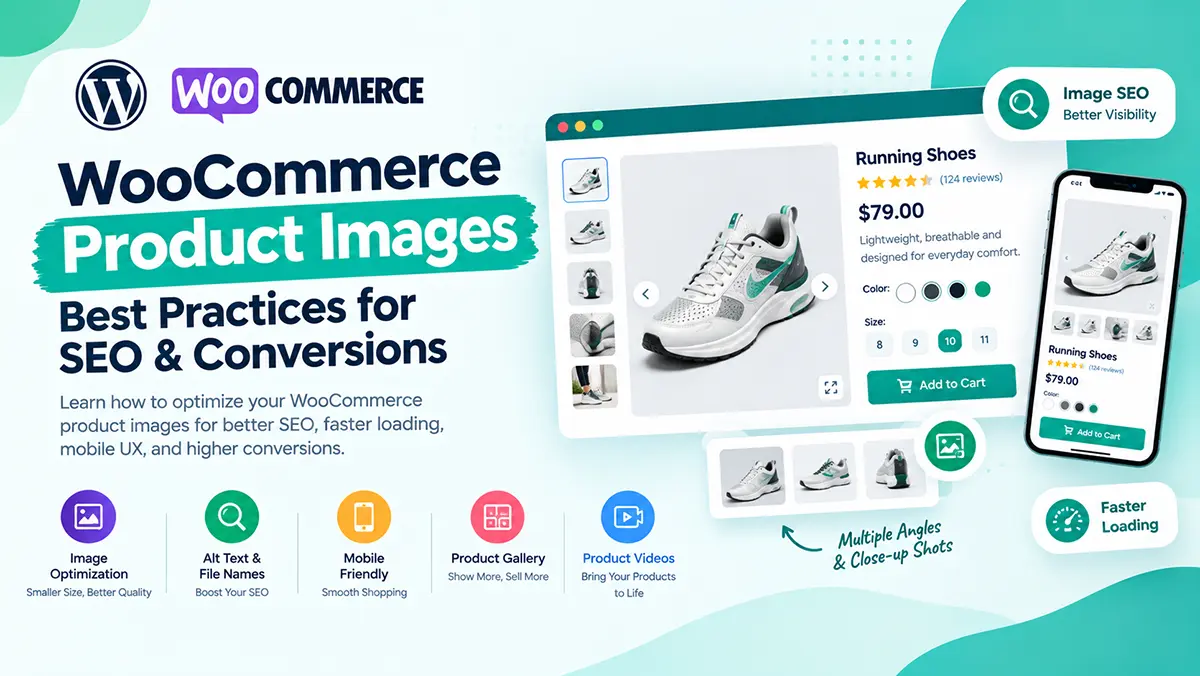
Product images are one of the most important elements of a WooCommerce product page. Customers can’t physically touch or inspect your products online, so your images need to communicate quality, details, size, and appearance as clearly as possible.
Poor product images can create uncertainty. High-quality, well-optimized images can make products easier to understand and create a more professional shopping experience. In this guide, we’ll cover the best practices for using WooCommerce product images for better UX, SEO, and conversions.
Why are product images important for WooCommerce stores?
Product images help customers understand what they’re buying. Good images can show:
- Product appearance
- Colors and variations
- Size and dimensions
- Materials and details
- How the product is used
- Packaging
- Different angles
For many ecommerce stores, customers will look at the images before reading the complete product description.
How many product images should a WooCommerce product have?
There isn’t a fixed number that works for every product. Use enough images to answer the customer’s questions. For example, a fashion product might need:
- Front view
- Back view
- Side view
- Close-up detail
- Product being worn
- Different color options
A simple product may only need three or four high-quality images. Quality and usefulness are more important than quantity.
What is the best image size for WooCommerce products?
The ideal image dimensions depend on your theme and gallery layout. Instead of choosing an unnecessarily large image, determine the maximum size your product gallery actually displays and upload an image large enough to remain sharp at that size. Avoid using extremely large files when they’re not necessary. This helps maintain image quality without adding unnecessary page weight.
Should WooCommerce product images be WebP?
WebP can be a good choice for ecommerce images because it can provide smaller file sizes while maintaining good visual quality. You can also consider newer formats such as AVIF when your setup supports them. The important goal is:
Good visual quality + reasonable file size.
Don’t sacrifice product-image quality just to achieve a smaller file.
How do I optimize WooCommerce product images?
Before uploading product images, consider:
- Resize images appropriately
- Compress them
- Use modern formats where appropriate
- Remove unnecessary metadata
- Use descriptive filenames
- Add useful alt text
You can also use image optimization tools or plugins to automate some of these tasks.
What should a good product image background look like?
For many ecommerce products, a clean and simple background works well. A neutral background helps customers focus on the product. However, lifestyle images can also be valuable because they show the product in context. A strong product gallery can combine both:
Clean product shots + lifestyle images + detailed close-ups
Should I use lifestyle product images?
Yes, when they help customers understand the product. For example: A furniture store could show a chair inside a living room. A skincare brand could show someone using the product. A fashion store could show the product being worn. Lifestyle photography helps customers imagine how the product fits into their own life.
Should product images show multiple angles?
For many products, yes. A single front-facing image may not answer all customer questions. Multiple angles can reveal:
- Shape
- Thickness
- Texture
- Ports
- Buttons
- Closures
- Product construction
Think about what a customer would inspect if they were holding the product in a physical store. Then try to communicate that information through your images.
How important is image quality for ecommerce?
Very important—but higher resolution doesn’t automatically mean better. Your images should be:
Sharp + well-lit + properly framed + optimized for the web.
Avoid blurry, pixelated, poorly cropped, or inconsistent product photos. Your product photography is part of your brand presentation.
Should all WooCommerce product images have the same style?
Ideally, yes. Consistent product photography can make your store look more professional. Try to maintain consistency in:
- Background
- Lighting
- Image ratio
- Product positioning
- Cropping
- Image quality
This becomes especially important when customers browse multiple products in the same category.
How do I optimize WooCommerce product images for SEO?
Image SEO starts with helping search engines understand the image. Use descriptive filenames instead of generic names such as:
IMG_4837.jpg
A better filename might be:
black-leather-wallet.jpg
Also use meaningful alt text where appropriate. For example: Black leather wallet with multiple card slots
Don’t stuff keywords into alt text. Describe the image naturally and accurately.
What is image alt text in WooCommerce?
Alt text is a text description associated with an image. It can help accessibility tools describe images to users who can’t see them, and it can provide search engines with additional context. Good alt text describes the actual image. For example:
Poor: wallet buy cheap wallet best wallet
Better: Black leather wallet with six card slots
Focus on describing the image rather than inserting keywords repeatedly.
Can product images improve WooCommerce conversions?
Good product images can help customers understand the product and feel more confident about purchasing it. However, images alone don’t guarantee more conversions. They work together with:
- Product descriptions
- Product benefits
- Reviews
- Pricing
- Trust signals
- Product variations
- Add to Cart
- Shipping information
Think of product photography as one part of the complete buying experience.
Should I add product videos to WooCommerce?
If you have useful video content, it can be an excellent addition. A product video can demonstrate:
- How the product works
- Product size
- Product features
- How to use it
- Product movement
- Packaging
For products that are difficult to understand from static images, video can be particularly useful. Just make sure videos don’t negatively affect page performance.
How should WooCommerce product images work on mobile?
Your product gallery should be designed for touch screens. Customers should be able to:
- Swipe through images
- Zoom into details
- Select thumbnails easily
- See product variations clearly
- Understand the product without excessive scrolling
Always test your product gallery on an actual mobile device.
Should I show variation-specific images?
Yes, whenever possible. If your product has different colors or designs, showing the appropriate image when a customer selects a variation can make the buying experience much clearer. For example:
Color: Black → Black product image
Color: White → White product image
This reduces uncertainty and helps customers understand exactly what they’re selecting.
How can I make WooCommerce product galleries more conversion-focused?
Don’t think of your gallery as simply a place to store product photos. Use it to answer customer questions. A strong gallery might include:
Image 1: Hero product image
Image 2: Different angle
Image 3: Close-up detail
Image 4: Product in use
Image 5: Size or dimension reference
Image 6: Key feature or comparison
Every image should have a purpose.
How can Noorifa help with WooCommerce product pages?
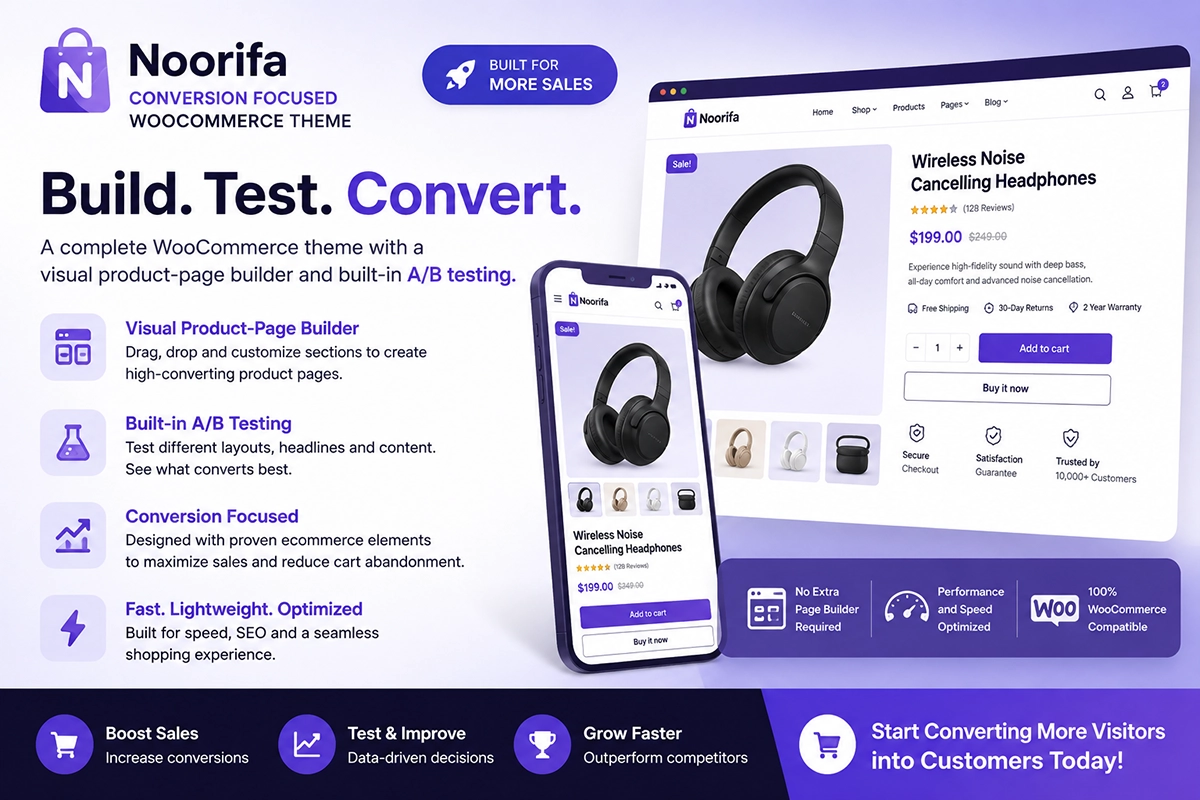
Noorifa is a conversion-focused WooCommerce theme that gives store owners more control over their product-page layout and presentation.
You can build product pages around elements such as:
- Product galleries
- Custom product page
- Hero section
- Video testimonial
- Product benefits
- Product variations
- Trust signals
- Reviews
- FAQs
- Comparison sections
- Sticky Add to Cart
- 30+ custom blocks
This makes it possible to design a product page around the customer’s buying journey instead of relying only on a standard WooCommerce layout.
Final Thoughts
Your product images are more than decoration. They are one of the most important tools you have for communicating product quality and reducing customer uncertainty. Use clear photography, show multiple useful angles, optimize your image files, write descriptive alt text, and make sure your gallery works beautifully on mobile.
Most importantly: Don’t just show your product. Show customers why they should want it.
Leave a Comment