WooCommerce Product Page Tabs: What Should You Include?
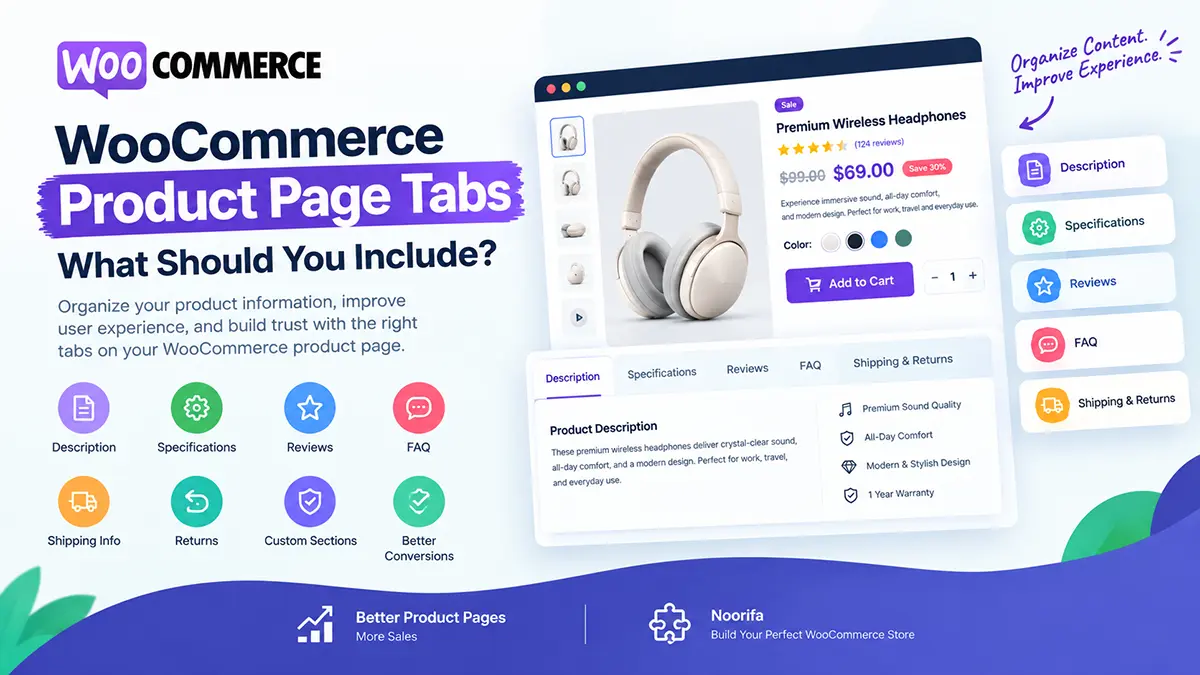
A WooCommerce product page can contain a lot of information—product details, specifications, shipping information, reviews, FAQs, and more. The challenge is presenting all of that information without overwhelming the customer. WooCommerce product tabs can help organize your content and create a cleaner shopping experience. In this guide, we’ll explain what WooCommerce product tabs are, what you should include, and how to use them effectively.
What are WooCommerce product tabs?
WooCommerce product tabs are sections that organize additional product information into separate areas on a product page. Common tabs include:
- Description
- Additional Information
- Reviews
You can also create custom sections for information such as shipping, FAQs, ingredients, specifications, or product guides.
Why are product tabs useful?
Product pages can become very long when you include every detail in one section. Tabs can help organize information so customers can find what they need without scrolling through a huge block of content. For example:
Description → What the product is and its benefits
Specifications → Technical details
Reviews → Customer experiences
FAQ → Common questions
Shipping & Returns → Delivery and return information
This creates a more structured experience.
What should I include in a WooCommerce product description tab?
The description tab should explain the product in more detail. You can include:
- Product benefits
- Features
- Materials
- Use cases
- How the product works
- Who the product is suitable for
Avoid simply repeating the short description. Use this area to provide information that helps customers make a more informed decision.
Should I have a separate specifications tab?
For products with technical information, yes. A specifications tab can make complicated product details much easier to scan. For example, an electronics store might include:
Brand: Example Brand
Weight: 450g
Battery: 5000mAh
Connectivity: Bluetooth 5.0
Warranty: 12 months
This is often easier to understand than putting all the information into a paragraph.
Should WooCommerce product pages have a reviews tab?
Yes, if your store collects customer reviews. Reviews provide social proof and allow customers to learn from previous buyers. You can include:
- Star ratings
- Written reviews
- Customer photos
- Review dates
- Verified purchase indicators
Make sure your reviews are genuine and accurately represent customer experiences.
Should I add an FAQ tab to my product page?
An FAQ tab can be very useful when customers have recurring questions. For example:
Is this suitable for sensitive skin?
How long does delivery take?
What size should I choose?
Does it come with a warranty?
How should I use the product?
Answering these questions directly on the product page can reduce uncertainty before purchase.
Should shipping information have its own tab?
It depends on your product and store. If shipping is an important consideration, giving it a dedicated section can make the information easier to find. You could include:
- Delivery locations
- Estimated delivery time
- Shipping costs
- Free shipping requirements
- Order processing time
- Tracking information
Keep the information accurate and easy to understand.
Should I add a returns tab?
If returns are an important part of your store policy, a dedicated Returns & Refunds section can make your policy easier to find. For example:
Returns accepted within 30 days
Product must be unused and in original packaging
Refund processed after inspection
Customers shouldn’t have to search through your website to understand your return policy.
How many tabs should a WooCommerce product page have?
There is no universal number. Use as many sections as necessary to organize useful information—but don’t create tabs simply for the sake of having more tabs. A product might only need:
- Description
- Specifications
- Reviews
- FAQ
Another product may benefit from:
- Description
- Ingredients
- How to Use
- Specifications
- Shipping
- Reviews
- FAQ
The right structure depends on the product and the customer’s questions.
Can too many product tabs hurt conversions?
They can if they make the page confusing. The purpose of tabs is to organize information, not hide important information. Important buying information such as:
- Product benefits
- Price
- Variations
- Add to Cart
- Key shipping information
should generally remain easy to see. Don’t hide critical purchase information inside multiple tabs.
Should I put product benefits inside a tab?
Your most important benefits should usually appear near the main product information rather than being hidden inside a tab. For example:
✓ Fast delivery
✓ Premium materials
✓ 30-day guarantee
✓ Free shipping
Then use a detailed tab for additional information. This lets customers understand the value of the product quickly while still providing deeper information for people who want it.
Are WooCommerce product tabs important for SEO?
They can help organize useful product information, but tabs aren’t an SEO strategy by themselves. The important thing is the quality and relevance of the content. Use descriptive headings and provide genuinely useful information about the product. You can naturally include relevant terms such as:
- Product type
- Materials
- Ingredients
- Features
- Use cases
- Specifications
Avoid keyword stuffing.
Should product tabs work well on mobile?
Absolutely. A large percentage of ecommerce visitors may browse your store from mobile devices. Your tabs should be:
- Easy to tap
- Easy to read
- Clearly separated
- Fast to open
- Free from horizontal scrolling
Test them on an actual phone rather than only checking the desktop version.
Can I customize WooCommerce product tabs?
Yes. The default WooCommerce product tabs can be customized depending on your theme and plugins. You can change the content, order, labels, and sometimes the entire visual presentation. A custom product-page system can give you even more control over how these sections appear.
How can Noorifa help customize WooCommerce product pages?
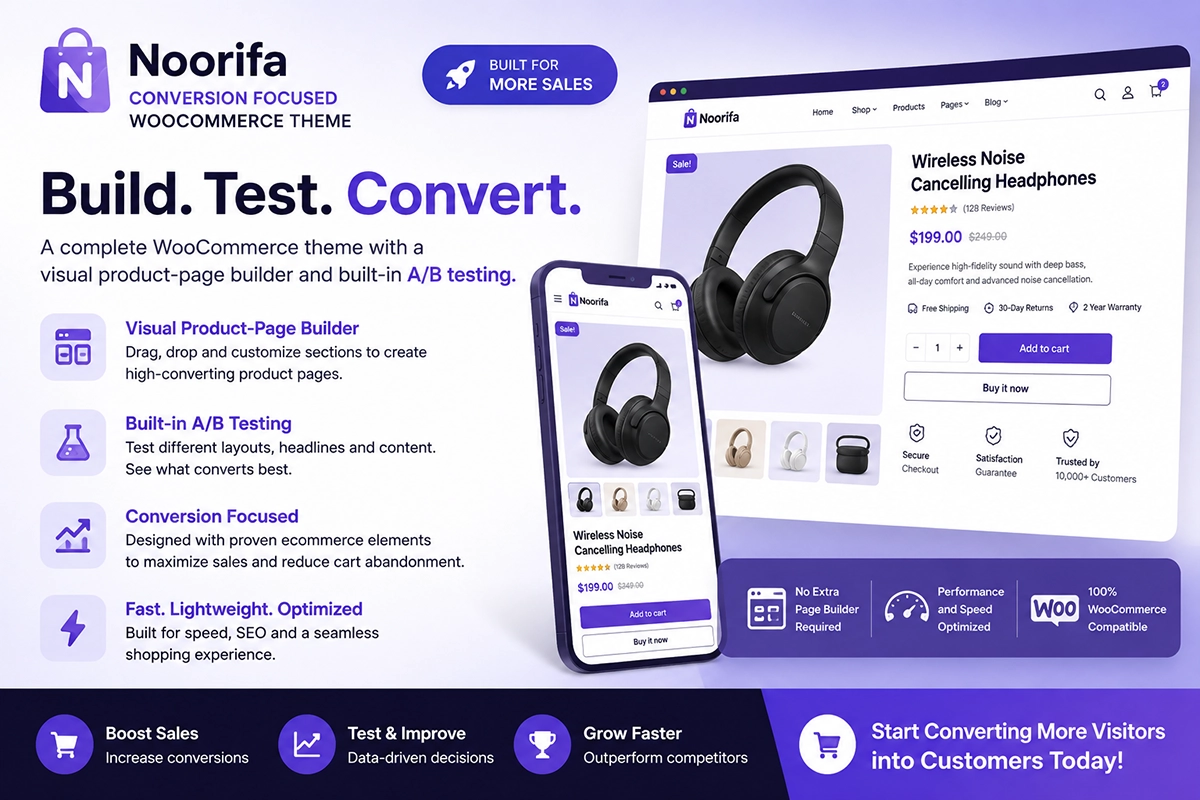
Noorifa is a conversion-focused WooCommerce theme that lets you create custom product-page layouts instead of relying only on the default WooCommerce structure. You can organize your product page with sections such as:
- Product benefits
- Custom product page
- Built in A/B testing
- Hero section
- Video testimonial
- Detailed information
- Specifications
- Reviews
- FAQs
- Trust badges
- Comparison sections
- Shipping information
- Sticky Add to Cart
- 30+ custom blocks
This allows you to build a product page around the information your customers actually need.
Noorifa also includes reusable product layouts and built-in A/B testing, allowing you to experiment with different product-page structures.
Final Thoughts
WooCommerce product tabs are useful when you have a lot of information but want to keep your product page clean and easy to navigate. Don’t hide everything behind tabs. Keep the most important selling information visible, then use tabs or organized sections for additional details such as specifications, reviews, FAQs, shipping, and returns.
The best product page doesn’t show everything at once—it shows customers exactly what they need, when they need it.
Leave a Comment