WooCommerce Product Page Speed Optimization: How to Load Faster
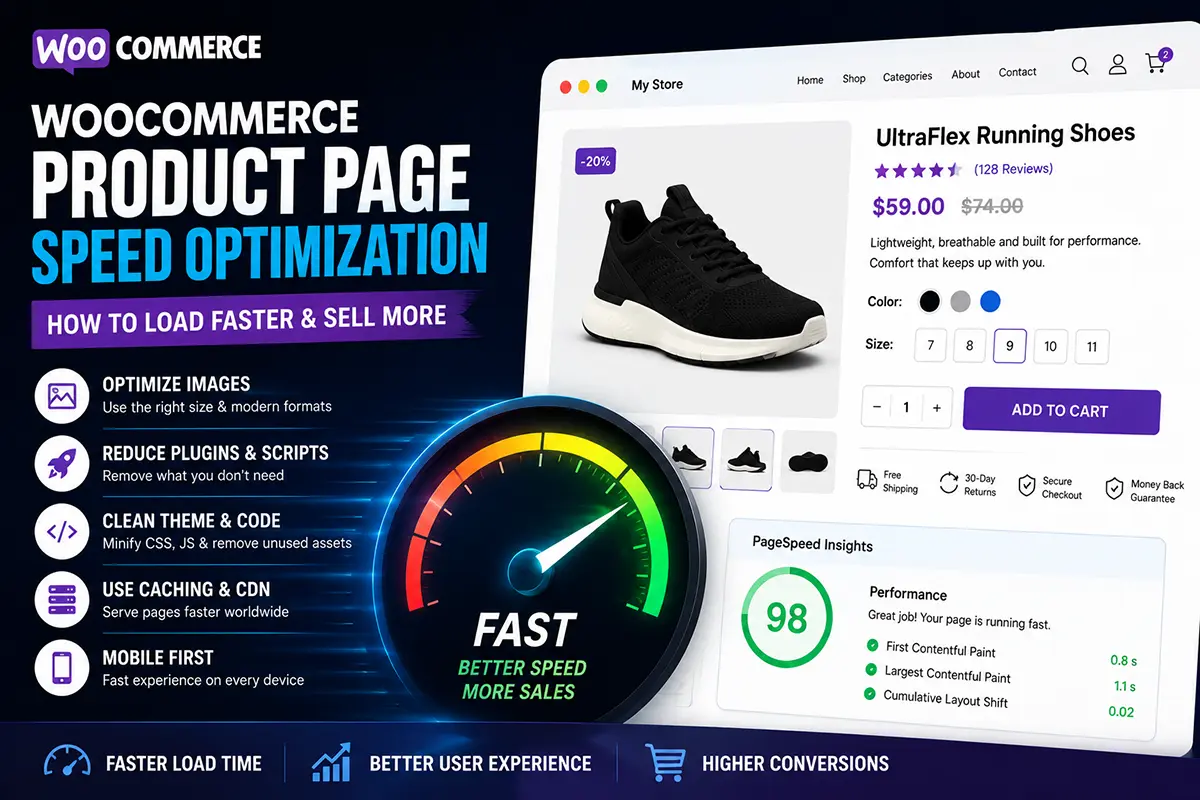
A slow product page can hurt both the customer experience and your ecommerce conversions. This FAQ-style article focuses specifically on WooCommerce product page speed, giving you another SEO topic without repeating your existing articles.
What is WooCommerce product page speed optimization?
WooCommerce product page speed optimization means improving your product pages so they load quickly and respond smoothly, especially on mobile devices. Common areas to optimize include:
- Product images
- WordPress plugins
- Theme assets
- JavaScript and CSS
- Fonts
- Third-party scripts
- Caching
- Hosting
- Database performance
A faster page can provide a better shopping experience and reduce frustration for visitors.
Why is product page speed important for ecommerce?
Customers don’t want to wait for a product page to load. A slow page can lead to:
- Higher bounce rates
- Fewer product interactions
- Lower engagement
- Abandoned shopping sessions
- Poor mobile experiences
Speed isn’t just a technical issue. It is part of the overall customer experience.
How can I make my WooCommerce product page load faster?
Start with the biggest sources of page weight.
Optimize your product images
Large product images are often one of the biggest contributors to page size. Use appropriately sized images and modern formats such as WebP or AVIF where supported. Avoid uploading a 5000px image when your product gallery only displays it at a fraction of that size.
Should I use lazy loading for product images?
Yes, in many cases. Lazy loading allows images that aren’t immediately visible to load later, reducing the amount of content the browser needs to load initially. However, don’t blindly lazy-load every image. Images that appear immediately when the page loads may need to be prioritized.
Can too many WooCommerce plugins slow down my store?
They can. The number of plugins isn’t the only factor, but plugins that load unnecessary CSS, JavaScript, database queries, or external resources can affect performance. Review your plugins regularly and remove functionality you don’t actually need. A simpler technology stack can also make performance optimization easier.
Does my WooCommerce theme affect product page speed?
Yes. A theme can load additional:
- CSS
- JavaScript
- Fonts
- Animations
- Components
- Third-party libraries
A conversion-focused WooCommerce theme should provide the functionality you need without unnecessarily loading assets that aren’t being used.
How important is mobile product page speed?
Very important. Customers may discover your products through Facebook, Instagram, TikTok, or Google and immediately open your store on their phone. A product page should therefore be tested on mobile connections and real devices—not only on a powerful desktop computer. Pay particular attention to:
- Image loading
- Layout shifts
- Button responsiveness
- Product variation selectors
- Sticky elements
- Checkout performance
Should I remove animations from my product page?
Not necessarily. Animations can make a product page feel more polished, but excessive animations can increase complexity and distract from the buying experience. Use motion where it improves usability or highlights something important. Don’t add animation simply because it looks impressive.
How can I test WooCommerce product page speed?
You can use tools such as:
Test important product pages individually rather than testing only your homepage. A store can have a fast homepage while having a much slower product page.
What should I check if my product page is slow?
Look at: Images → Plugins → Theme assets → Third-party scripts → Fonts → Hosting → Caching
Start with the largest bottlenecks instead of trying to optimize everything at once. Also test your page after each major change so you can identify what actually improved performance.
Does a faster product page automatically increase conversions?
Not automatically. Speed is only one part of ecommerce conversion optimization. Your product page still needs:
- Good product photography
- Clear value propositions
- Strong product information
- Trust signals
- Reviews
- A clear CTA
- Easy navigation
- A simple checkout experience
The goal is to create a page that is fast and persuasive, not simply fast.
How does Noorifa approach WooCommerce product pages?
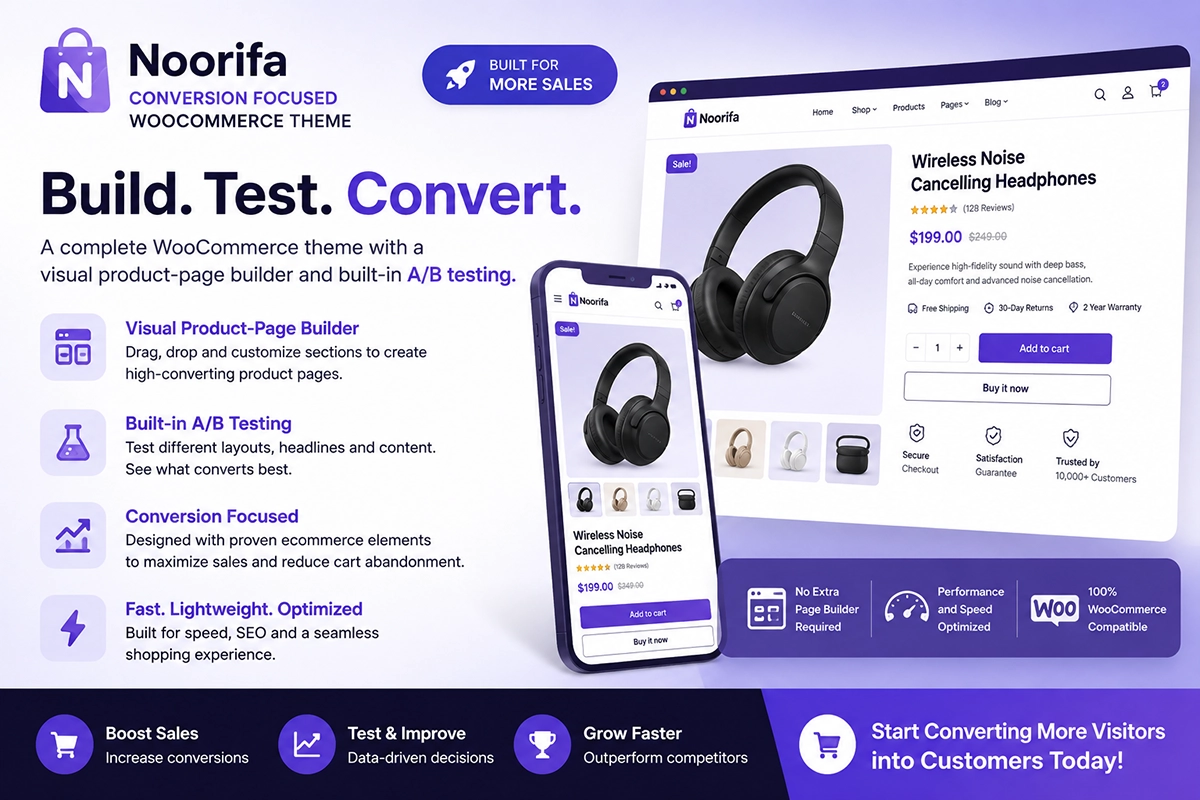
Noorifa is designed as a conversion-focused WooCommerce theme, giving store owners more control over how their product pages are structured.
You can create customized product layouts with sections such as:
- Product galleries
- Custom product page
- Per product background color
- Built in A/B testing
- Benefits
- Hero section
- Trust badges
- Reviews
- FAQs
- Comparison sections
- Sticky Add to Cart
The idea is to build a product page around the customer’s buying journey rather than relying only on a generic default layout.
Final Thoughts
A fast WooCommerce product page gives customers less friction between discovering your product and buying it. Start by optimizing your images, reviewing unnecessary plugins and scripts, choosing a performance-focused theme, and testing your pages on mobile. Then combine speed improvements with strong product content and conversion-focused design.
Fast + clear + trustworthy = a better ecommerce experience.
Leave a Comment