How to Create a High-Converting Food Product Page in WooCommerce
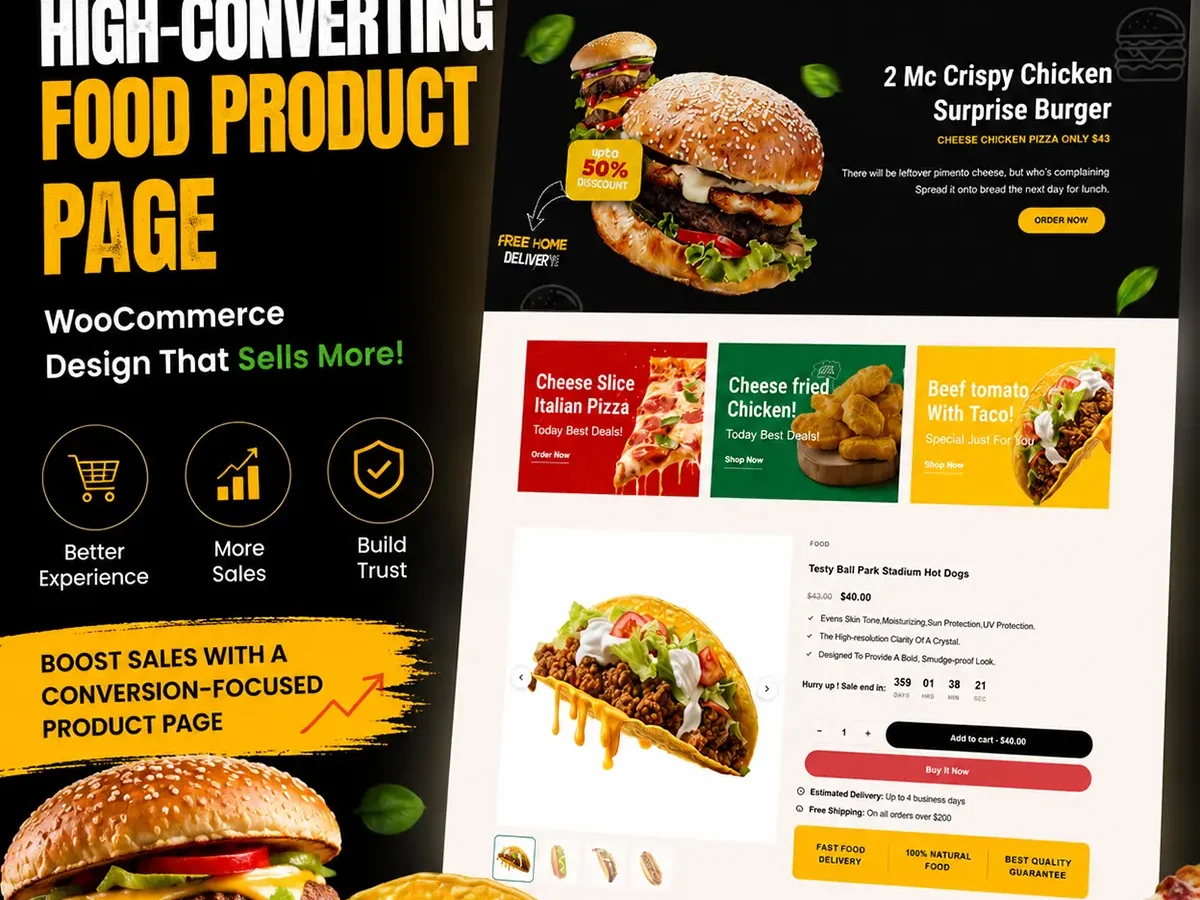
Selling food online requires more than a product image and an Add to Cart button. Customers want to know what the product tastes like, what’s inside it, and why they should trust your brand.
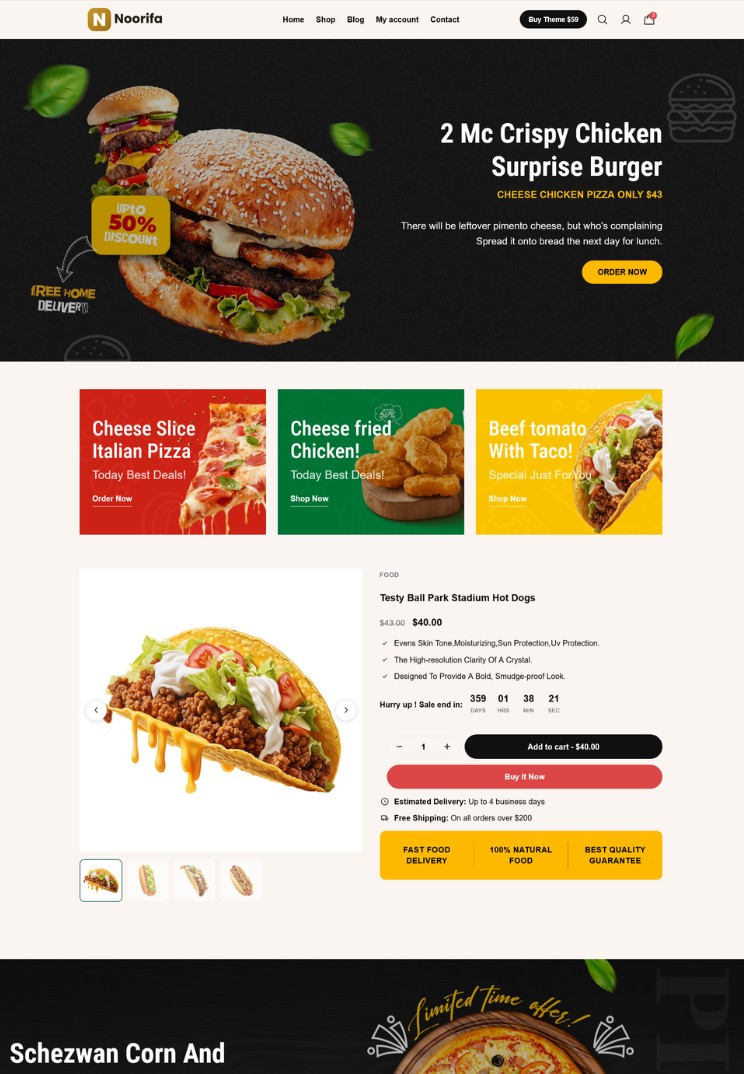
Here are the most important questions to answer on your WooCommerce food product page.
What should a food product page include?
A high-converting food product page should include:
- High-quality product images
- Clear product title
- Price and product options
- Key benefits
- Ingredients
- Nutrition information
- Customer reviews
- Shipping information
- FAQs
- Clear Add to Cart button
The goal is to answer customer questions before they leave your page.
Why are product images important for food products?
Customers can’t taste or smell your product online, so images play a major role. Show:
- Product packaging
- Close-up food photography
- Ingredients
- Serving suggestions
- Lifestyle images
Help customers imagine the experience of using or consuming your product.
How should I describe my food product?
Focus on benefits and experience, not just features.
Instead of simply listing: Made with Arabica coffee beans.
Try explaining the customer benefit: Rich, smooth coffee with a balanced flavor—perfect for your morning routine.
Keep important information easy to scan.
Should I display ingredients and nutrition information?
Yes. Food customers often want to know exactly what they’re buying. Clearly display:
- Ingredients
- Allergen information
- Nutrition facts
- Serving size
- Storage instructions
Make this information easy to find.
Do customer reviews help sell food products?
Yes. Reviews provide social proof and can answer questions new customers may have. Reviews about:
- Taste
- Flavor
- Texture
- Quality
- Packaging
can help customers feel more confident before purchasing.
Should I add an FAQ section?
Yes. FAQs can remove common buying objections. Consider answering questions such as:
- How should I store the product?
- How long does it stay fresh?
- Does it contain allergens?
- How many servings are included?
- When will my order arrive?
Should food product pages be optimized for mobile?
Absolutely. Many customers discover food brands through social media and visit product pages from their phones. Make sure:
- Images load quickly
- Text is easy to read
- Buttons are easy to tap
- Product options are simple to select
- Add to Cart is clearly visible
What is the best structure for a food product page?
A simple structure could be:
Product Images → Product Title → Benefits → Price → Add to Cart → Trust Information → Ingredients → Nutrition → Reviews → FAQ → Related Products
This creates a clear journey from product discovery to purchase.
How can Noorifa help create a food product page?
Noorifa lets you build custom WooCommerce product-page layouts with conversion-focused sections such as:
- Feature cards
- Custom product page
- Trust badges
- Ingredient sections
- FAQ accordions
- Product reviews
- Comparison tables
- Sticky Add to Cart
You can also test different product-page layouts with built-in A/B testing.
Final Thoughts
A great food product page should make customers hungry, informed, and confident enough to buy.
Focus on strong visuals, clear benefits, transparent product information, customer reviews, and an easy buying experience.
Build. Test. Convert.
Leave a Comment